Artificial intelligence (AI) has become a part of everyday life. If you use Netflix, Spotify or Amazon, AI is quietly analyzing your past behaviors to suggest movies, music or products you’re likely to enjoy. Planning a road trip? Google Maps uses AI to study traffic, suggest the fastest routes and predict arrival times. Even some banks rely on AI to track spending patterns and detect fraudulent activity.
So, it’s no surprise that AI has also taken over social media, which can be both fun and terrifying. Scrolling on TikTok, you’ll find videos of dancing babies that are absolutely hilarious and clearly AI-generated. But it can also be more insidious, producing fake news stories or misleading content about politics and global events.
It’s important to pause before sharing content that could be generated by AI. As consumers, we don’t want to spread misinformation because it can increase mistrust in reputable journalism and harm the general public. Here are 10 things to consider before reposting anything you see online.
1. Verify the Source
Recently, there has been an influx of health videos on Facebook offering advice on various ailments and issues, from reducing belly fat to regulating your digestive system. It’s important to verify the video’s source and confirm whether the creator is an actual doctor or health care practitioner before following the advice in the video. The same goes for political videos. Make sure the videos are coming from an actual news website that prides itself on fact-checking and reporting, and not a personal blog that is sharing the writer’s opinions.
2. Check for Accuracy
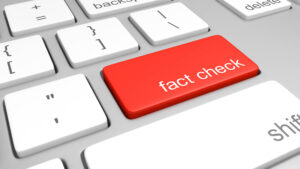
AI is not 100% accurate, and if something seems off or incorrect, then it was probably generated by AI. Don’t be afraid to fact-check information.
3. See If There Is Any Visual Inconsistencies
Visual inconsistencies are usually a hard giveaway that an image is AI. If there are people in the photo, check for warped or duplicated body parts, mismatched shadows or unnatural backgrounds.
4. Examine the Language
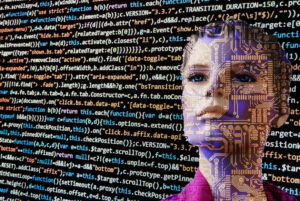
Most writers, even in serious, high-brow publications, have a humanistic tone in their pieces, often sharing their opinions and including specific details. AI-generated text can sound robotic, vague and overly polished. If the content feels generic and vague.
5. Check the Date and Context

Sometimes, actual videos and images are used out of context in order to spark a reaction and manipulate the viewer’s emotions. For example, Turning Point USA, a conservative student organization founded by Charlie Kirk, posted a photo of an empty grocery store with the headline “Everyone understands the importance of free markets,” with the caption #SocialSucks. In reality, the photo had nothing to do with socialism. It was taken after the 2011 earthquake in Japan.
6. Watch in Slow Motion
AI videos can look pretty convincing at normal speed, but it’s easier to catch errors when videos are in slow motion. Check for glitchy hand movements, faces distorting and objects flickering or changing shape. On TikTok, some videos will include a label indicating AI-generated media or state that they were made with CapCut, a video editor that incorporates AI.
7. Check for Concept Blending that Doesn’t Make Sense

This is similar to tip number four: examine the language. AI-generated content often mixes ideas that almost fit together—but not quite. Oftentimes, you’ll see headlines that combine unrelated topics such as health, politics and celebrities. For example, there may be a post giving dieting advice but using trendy fashion buzzwords or an unrelated photo.
8. Check How Fast the Account Is Posting
AI-generated accounts often post multiple times a day or even every hour. Almost all publications, even those with large editorial teams, do not generate content around the clock. If an account is constantly posting content with no breaks like a high-powered factory, then chances are they are using AI.
9. Check if the Content Feels Too Perfect

No matter how good someone is at capturing their best angles, if you look closely, you’ll usually find a small, perfectly normal imperfection. But when a photo looks completely airbrushed, flawless makeup, perfectly symmetrical features, and not a single hair out of place, it may be AI-generated. After all, real life is far from perfect.
10. Reverse Search Images and Videos
If you’re still somewhat on the fence about whether an image is AI-generated or not, try using a reverse image search tool like Google Images. This allows you to see where the image originally came from and how it has been used before. Often, AI-generated or misleading content is recycled, edited, or taken from unrelated events. Reverse searching can quickly reveal if something has been altered, miscaptioned, or shared out of context.
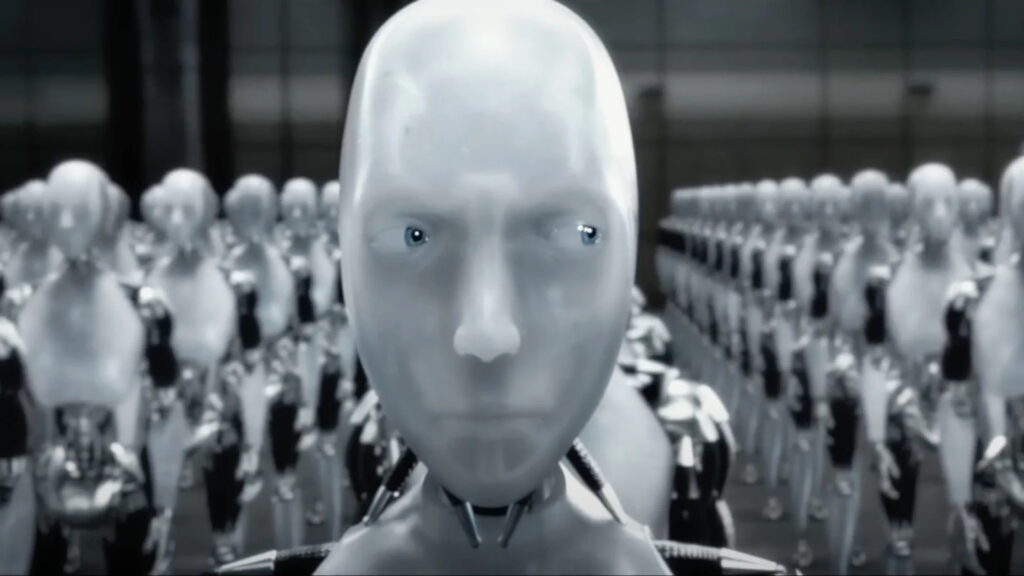
Featured image credit: 20th Century Fox Film Corporation
